


What you’re looking at above is what would happen if the legendary Dadaist word salad spewing, questionably legal eBooks marketing Twitter account @horse_ebooks ran Geekosystem. Thankfully, we were able to enjoy the view without having to lose control of our site thanks to the horse_ebookmarklet. The brainchild of Ben Nyberg, the bookmarklet systematically replaces all the text on a given website with @horse_ebooks tweets and likewise changes all of the images to the infamous @horse_ebooks avatar. Wondering how you can enjoy the madness on your own computer? It’s easy. Find out how, after the break.
Setting up the Horse_ebookmarklet is really easy. The only requirement is that you have your browser configured so that it always shows the bookmark bar. Here’s all you need to do.
- Navigate to http://heyben.com/horse_ebookmarklet/
- Drag the bookmarklet in the middle of the screen to your bookmark bar
- Navigate to your favorite website, say Geekosystem.com
- Click on the bookmarklet
- Watch the magic happen
Strangely, the bookmarklet seems to have no discernable effect on Reddit.
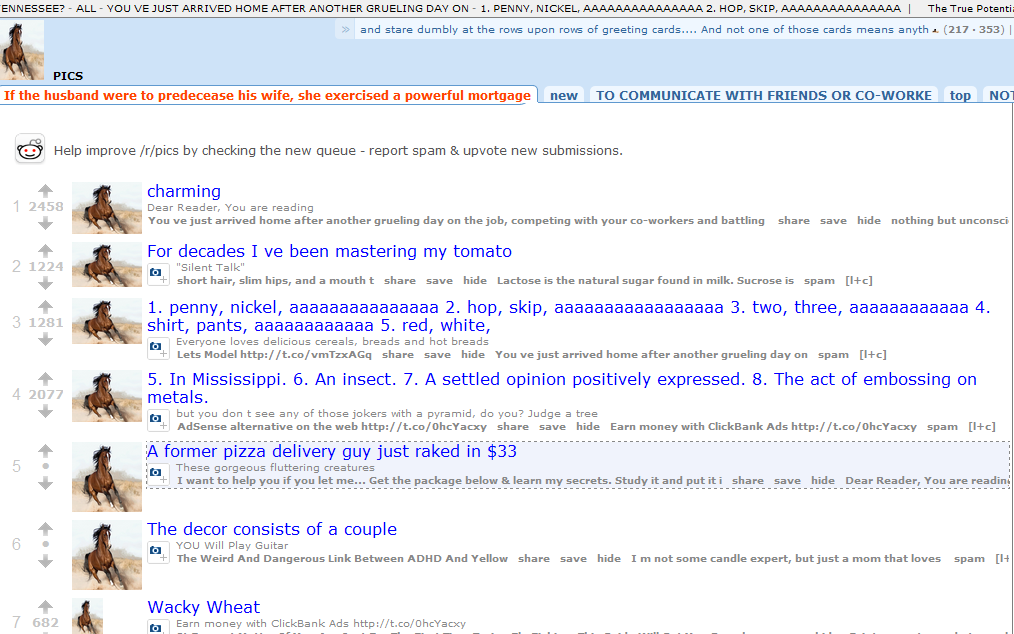
Okay, last one, I swear.
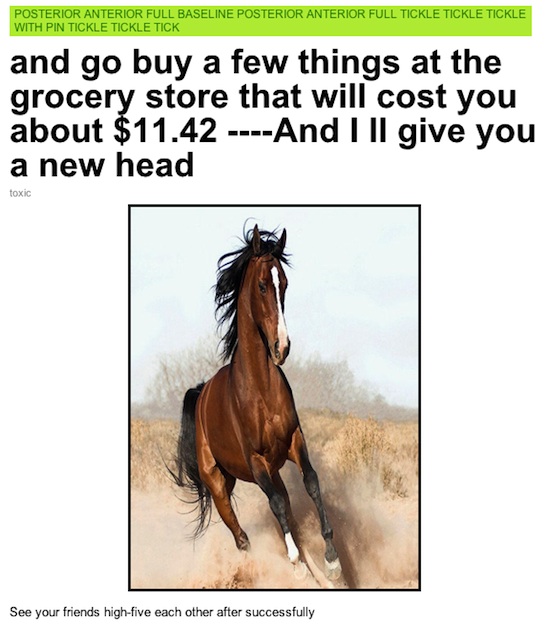
(Thanks, Kris!)
- Wikipedia has a list of lists of lists which lists itself
- …it also has a list of notable sandwiches
- Can you even imagine what horse_ebooks would look like?
- Call the Hall and Oates emergency helpline right now
- North Korea has an official FAQ